
Behind the Lens: Baltimore Family Photo Workflow
Baltimore Family Photo Workflow: What to Expect After Your Baltimore Family Photo Session
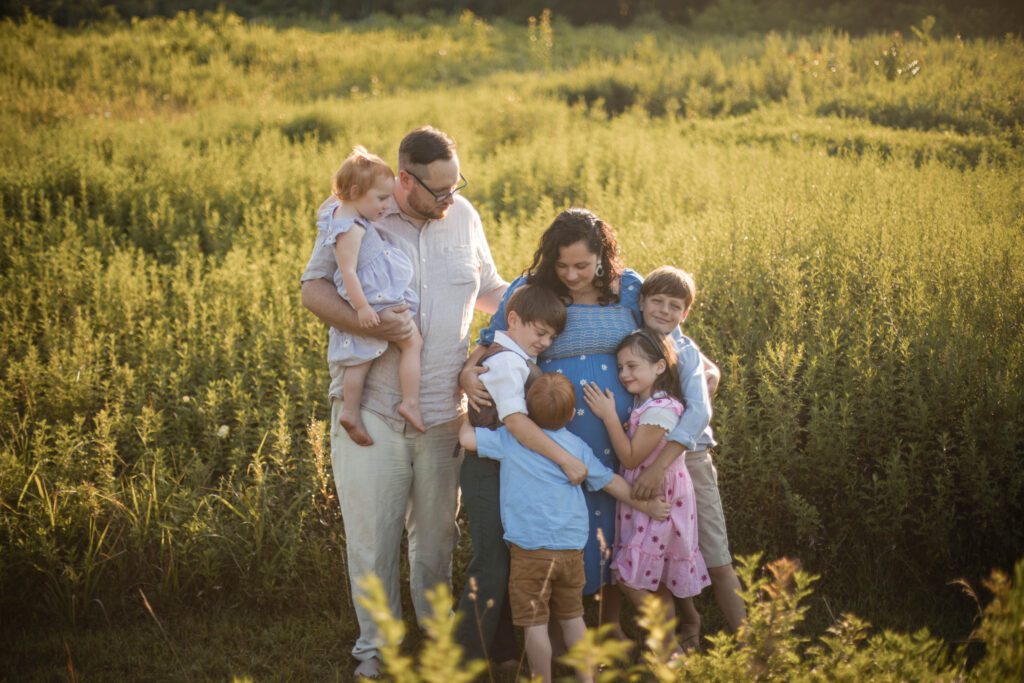
You did it — you made it through the rollercoaster of a family photo session! You wrangled outfits, schedules, and maybe a few meltdowns along the way, and now you’re wondering… what happens next?
As your Baltimore family photographer, I want you to feel confident about the process from start to finish. While you’re catching your breath and waiting to see your images, here’s exactly what’s happening behind the scenes.
Baltimore Family Photo Workflow Step 1: Backing Up Your Images
The night of your session, I import and back up all of your images in more than one place. Technology can be unpredictable, so I make sure your photos are protected and safe before anything else happens.
Step 2: A Little Waiting (On Purpose)
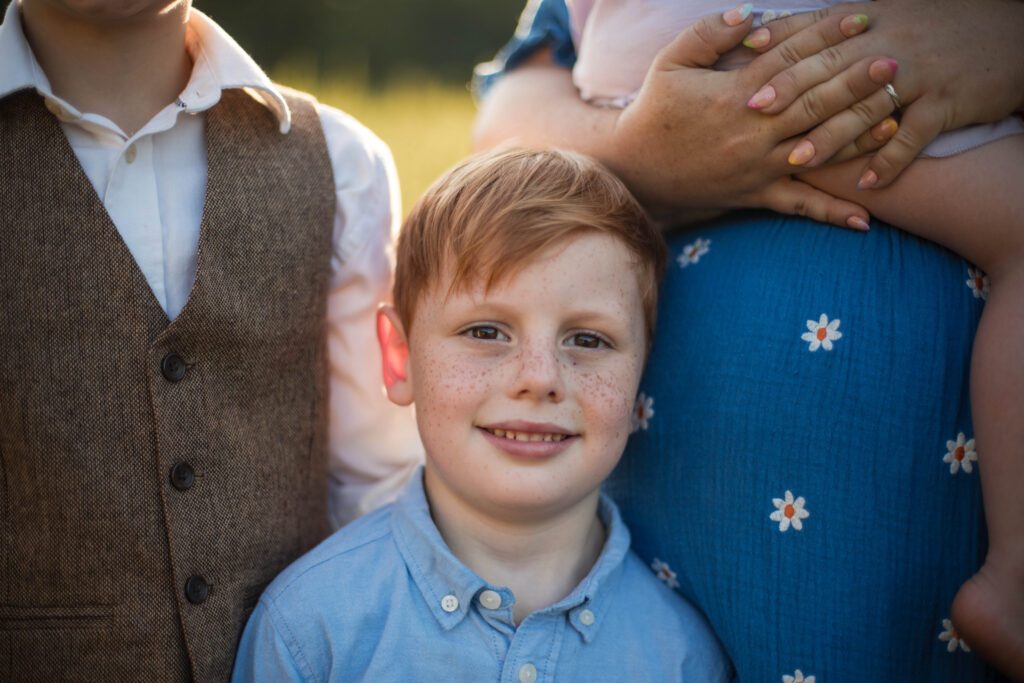
Even though part of me is eager to dive in right away, I wait at least two days before editing. This pause allows me to return to your photos with fresh eyes, giving me the creativity and perspective I need to edit them with care.
Step 3: Culling Your Gallery
Culling is the process of narrowing down your photos to the best of the best. I eliminate repeats, but I also pay close attention to the “in-between” moments — sweet glances, silly expressions, and little details that help tell your family’s story.
Step 4: Editing with Care
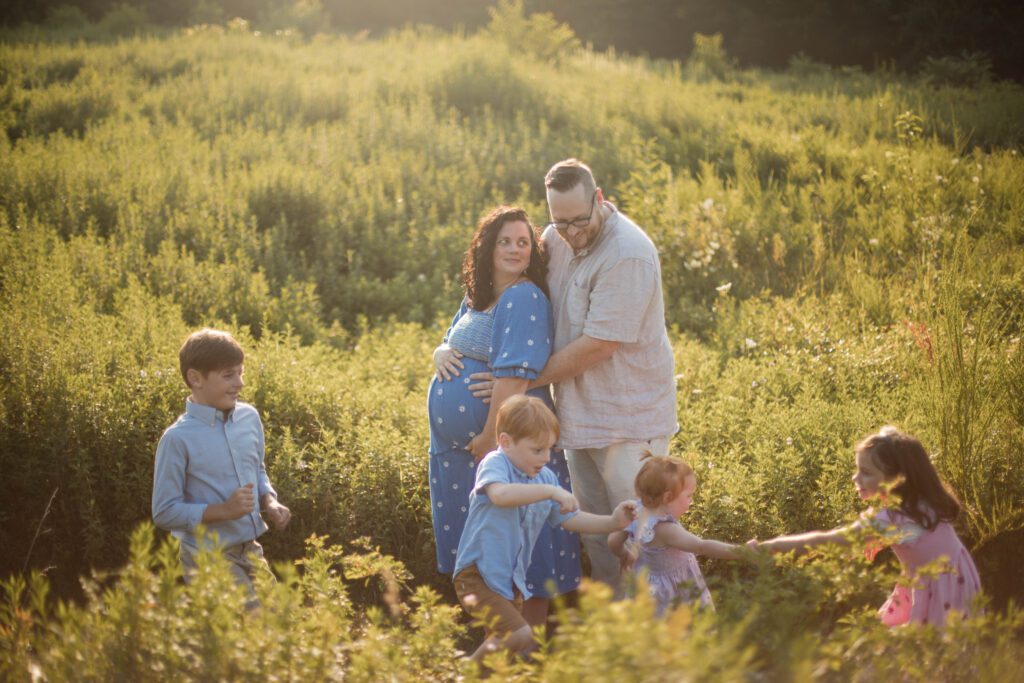
Once culling is complete, the editing begins. I use AI editing software to handle the basic adjustments quickly (yes, it surprised me too when I first tried it — but it’s been a game-changer!).
After that, I hand-edit your images. This step includes:
– Removing distracting elements (like a sign in the background)
– Cropping for stronger composition
– Fine-tuning colors and vibrancy so your photos feel full of life
Step 5: Your Online Gallery
When the editing is finished, I deliver your photos through a password-protected online gallery. This is where you’ll first fall in love with your images.
Inside your gallery, you can:
– View all your edited images
– Download them individually or as a full set (a computer is best for this — files are large)
– Save and back up your images to a secure place like an external hard drive or Google Drive
Every gallery has an expiration date listed on its homepage, so make sure to download and back up your photos before then.
The Bottom Line
Your job is to enjoy your Baltimore family photo session and soak up the moments with your family. My job is to make sure your images are safe, thoughtfully edited, and beautifully delivered.
If you’re ready to book your Baltimore family photo session, reach out today — I’d love to create images you’ll treasure for years.
CATEGORY
10/08/2025

COMMENT LOVE